

The wrong dog in the wrong run is how incidents happen.
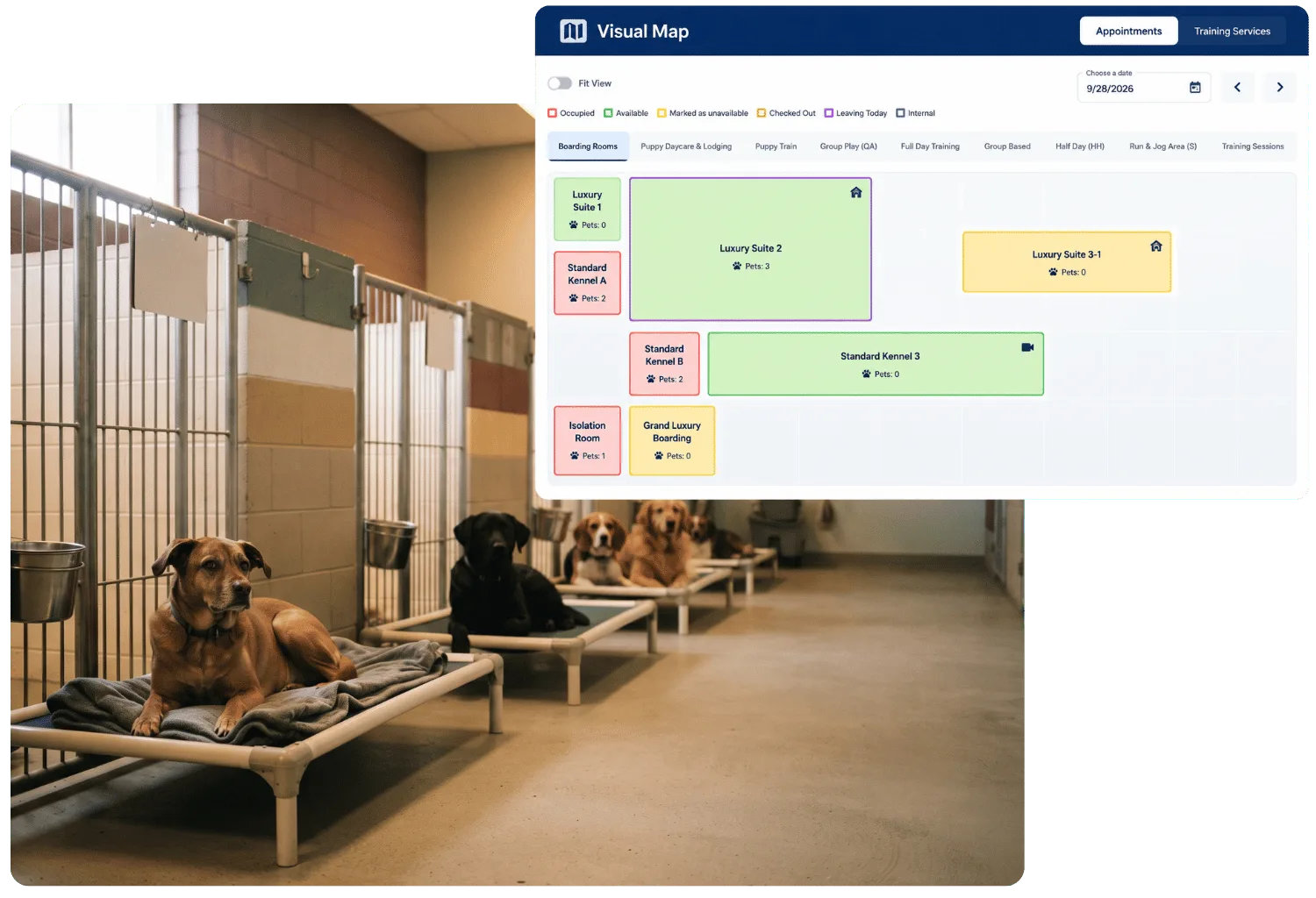
Visual Map is a drag-and-drop facility layout showing real-time capacity, with each area configured for the breed, size, and pet type it's actually built for. Staff always know where a dog belongs, not just where there happens to be room.
Included where VERIFY: confirm whether included in every plan or gated to a tier before publish
 How it works
Four steps that keep every dog where it belongs
Build your facility layout
Drag and drop areas into place and set custom colors, so the map actually looks like your facility, not a generic grid.
Set who belongs in each area
Configure each area for the breed, size, and pet type it's built for, so an assignment that shouldn't happen gets caught before it does.
See capacity in real time
A bird's-eye view of every area's occupancy and availability, at a glance, not a count someone has to go check in person.
Feeding and medication lists, filtered by room
Select specific areas right from the Visual Map and print or view a feeding or medication list for just those rooms.

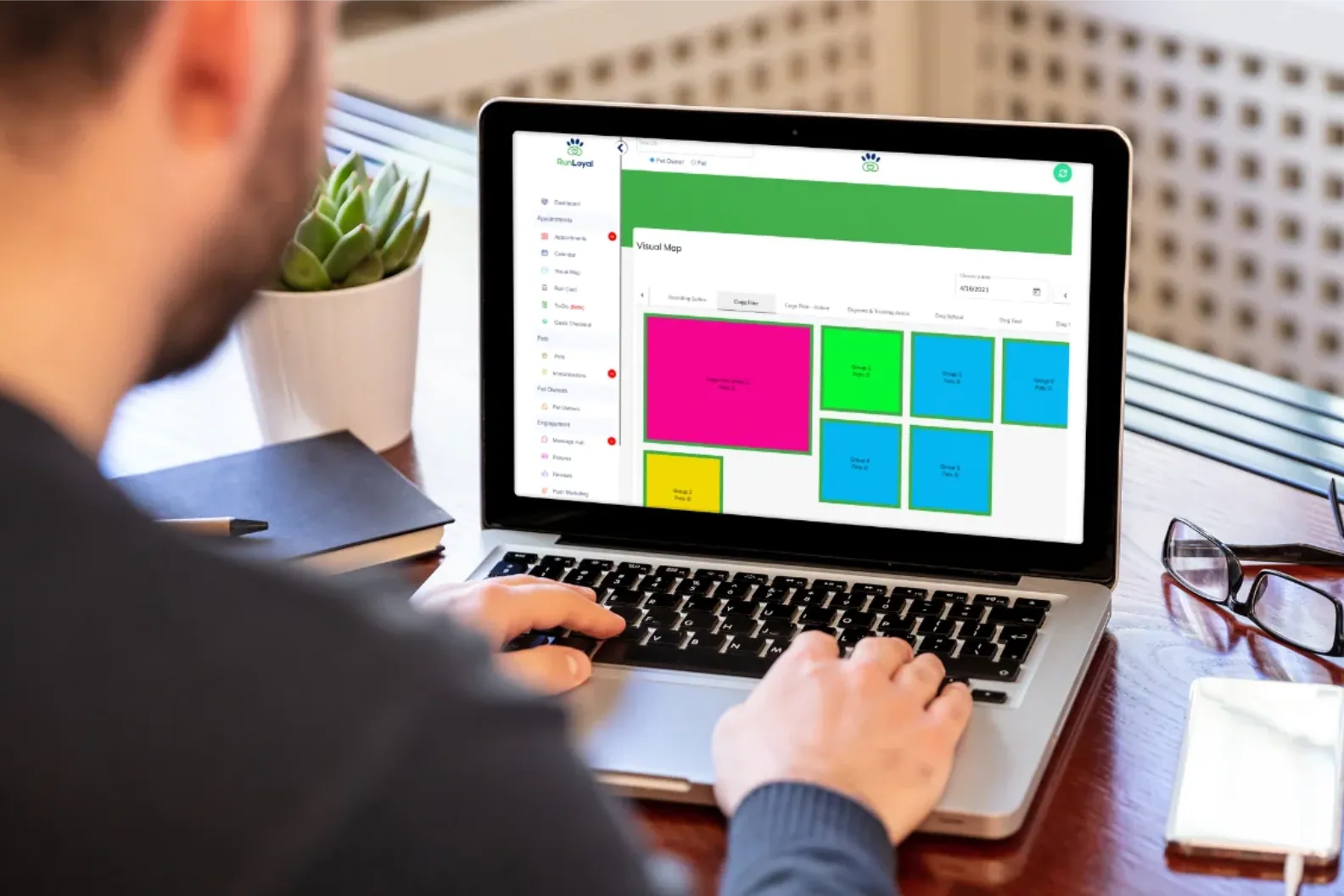
One glance, and staff know exactly where every dog belongs.
Why it matters
A paper chart can't stop a misassignment
A paper chart can't stop a dog from being placed somewhere it was never meant to go. Visual Map catches that before it happens, and keeps every room's real availability visible, so capacity and safety stop depending on someone's memory.

 Visual Map FAQ
Questions about the layout
A demo is the fastest way to see your own facility laid out.
Book a DemoYes. Each area can be configured for the breed, size, and pet type it's built for, so an assignment that doesn't fit gets caught before it happens.
Yes, a bird's-eye view of every area's occupancy and availability, at a glance.
Yes. Select specific areas directly from the Visual Map and print or view a feeding or medication list for just those rooms.
Yes, areas are drag-and-drop and support custom colors, so the map reflects your real space, not a generic template.


 Ready when you are