

A no-show fee doesn't help if nobody remembers to charge it.
Integrated Payments lets pet parents pay online, in person, or in your branded app, with cards stored securely for faster checkout next time. Set your own deposit rules, cancellation and no-show fees, and card service fees. Included in every plan, PCI compliant, and built directly into RunLoyal.
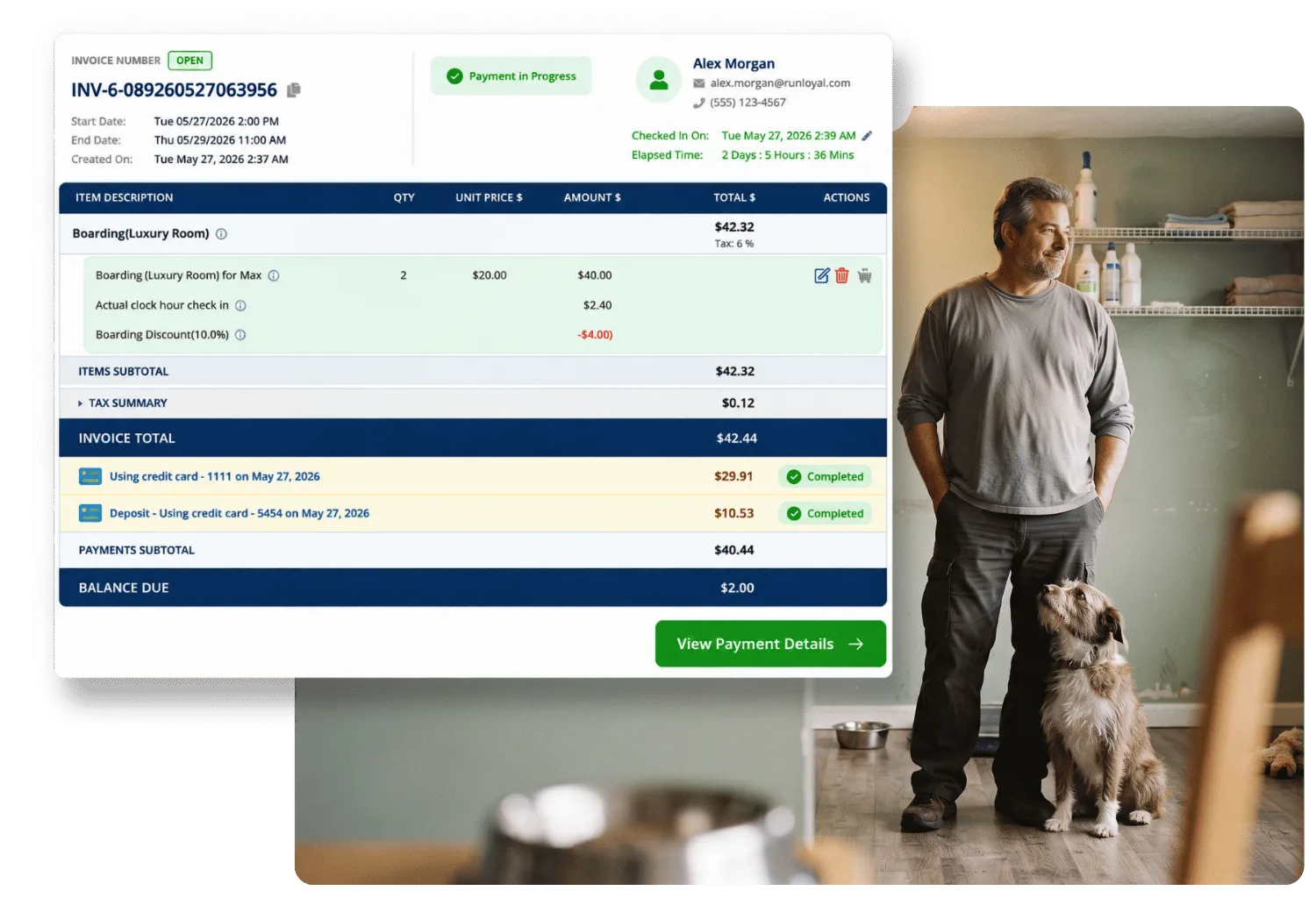
Included in every plan. Works online, in person, and in-app.

 How it works
Your rules, charged the moment they apply
Set deposits your way
Choose a percentage per night, a flat amount per night, or one flat fee for the whole stay. Apply it to peak dates only, or every booking, and decide whether it's required to submit the booking or requested after.
Cancellation and no-show fees post themselves
Set a percentage or flat fee for cancellations and no-shows, separately from each other. The fee appears on the invoice automatically the moment it applies, no manual step required.
Customers pay however they choose, tips included
Online, at the front desk, or right in your branded app, with cards stored securely for next time and a tip added right at checkout, on the same invoice.
You control when funds settle
Set the time your daily batch closes and funds, matching how your business actually operates, whether that's late at night or right after you close.

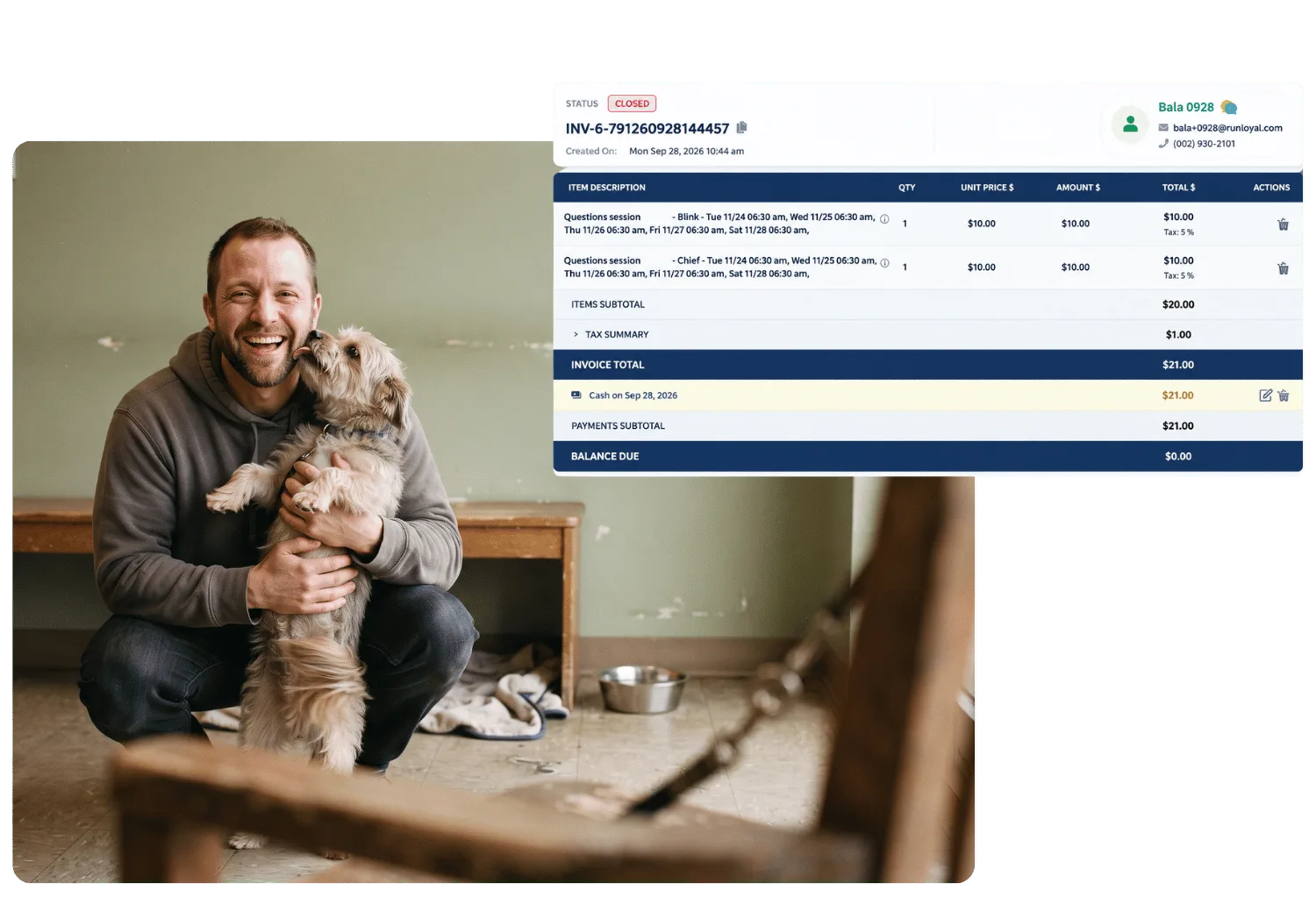
Paid before they even reach the counter.
Why it matters
The rules run themselves
A deposit rule that doesn't match how you actually book, or a no-show fee you have to remember to add by hand, quietly costs you money every week. Integrated Payments lets the rules run themselves, exactly the way you'd set them if you had the time to do it manually every time.


 Payments FAQ
Questions about payments
A demo is the fastest way to see your own deposit and fee rules set up.
Book a DemoIntegrated Payments is included in every RunLoyal plan, no separate processor or account needed.
Choose a percentage of the rate per night, a flat amount per night, or one flat fee for the entire booking. You can also limit deposits to peak dates only, and decide whether a deposit is required to submit a booking or requested afterward.
Yes, and they're configured separately. Each can be a percentage per night or a flat fee, and it's added to the invoice automatically the moment a booking is cancelled or marked as a no-show. You can also charge a one-off fee manually for exceptions.
Yes. You set your own percentage, applied only when a customer pays by credit card, and you choose which services it applies to. Add RunLoyal's legally reviewed guidance on where this is permitted before publish
Yes. You set the time your card batch closes and funds each day, matching your actual hours of operation.
Yes. A tip is added right on the invoice at checkout, in the same flow as the payment itself. To see how a collected tip is tracked for staff payroll and commission, see StaffApp+ and Business Portal.
Yes. Cards can be saved on file in the branded app or the business portal, and the system is PCI compliant.


 Ready when you are